
Join Curify to Globalize Your Videos
By using Curify, you agree to our
Terms of Service and Privacy Policy
Style Transfer AI for Video
Style transfer AI takes a video and a target visual style — Pixar 3D, Ghibli painterly, anime line art, watercolor — and re-renders it with frame-coherent restyling and preserved subject identity. Watch the demo below.
Example: a live-action clip restyled into a Ghibli painterly look, frame-coherent across the full shot.
Coming Soon
Why Use Curify for Style Transfer?
- Frame-coherent restyling — no flicker or identity drift between frames, even across cuts and pans.
- Style is set by a reference image or a named preset (Pixar, Ghibli, anime, watercolor, oil painting, etc.).
- Subjects stay recognizable — faces, props, and on-screen text survive the restyle.
- Demo-only today; sign up for early access to run your own footage when the pipeline opens.
Frequently Asked Questions
Is style transfer available today?
Not yet — this page shows a working demo on a sample clip. The production pipeline is in private testing. Sign up for early access and we will reach out when it opens for upload.
What kinds of source video work best?
Footage with steady framing, clear subjects, and a defined foreground works best. Style transfer is a creative restyle, not a face-swap — the subjects stay recognizable but the visual language changes. Highly compressed or low-resolution footage will produce noisier output.
What Is AI Style Transfer for Video?
Style transfer takes a source video and a target visual style — Pixar 3D, Ghibli painterly, anime line art, watercolor — and re-renders the clip in the target style while preserving the original motion, framing, and subject identity. The output is a new video, not a filter applied to the original frames.
Image style transfer has been around for a decade, but the hard part for video is temporal coherence. A naive frame-by-frame restyle flickers — each frame is restyled independently, so colors and textures jitter as the model makes different choices on adjacent frames. Modern pipelines fix this by conditioning on the previous frame and propagating style decisions across the temporal axis.
The demo on this page shows a live-action clip restyled into a Ghibli painterly look. The motion stays smooth, faces stay recognizable, and the color palette stays consistent across the full shot.
How Curify Approaches Style Transfer
Production-grade video style transfer is a pipeline of specialized stages, not a single model call. Each stage handles one part of the temporal-coherence problem so the corrections compound rather than fight each other.
Step 1: Shot detection and scene segmentation. The clip is split at shot boundaries so each shot gets its own style parameters and the model is not asked to maintain coherence across an unrelated cut.
Step 2: Reference encoding. Either a style reference image or a named preset is encoded into a target style embedding that drives the restyle.
Step 3: Frame-coherent restyling. Frames are restyled with awareness of the previous output frame, so colors, textures, and line weights stay consistent across motion.
Step 4: Temporal smoothing and quality-aware encoding. A residual flicker pass cleans any remaining artifacts and the final clip is encoded at a bitrate that preserves the restyled detail.
Who Uses AI Style Transfer?
For Animators and Indie Creators →
Indie animators use style transfer to lock a consistent visual style across hours of footage without hand-painting every frame. The output is the starting point for downstream cleanup, not the final delivery — but it collapses days of frame-by-frame work into minutes.
For Education and Children's Content →
Educational creators translate live-action explainer videos into a friendlier painterly or 3D style for younger audiences. The same recording can ship in multiple visual registers for different age brackets without re-shooting.
For Brand and Campaign Teams →
Marketing teams restyle a single live-action shoot into multiple stylistic variants — a clean corporate cut, a playful animated cut, a regional aesthetic cut — for split testing or multi-channel publishing without per-variant production cost.
Related tools
Related reading
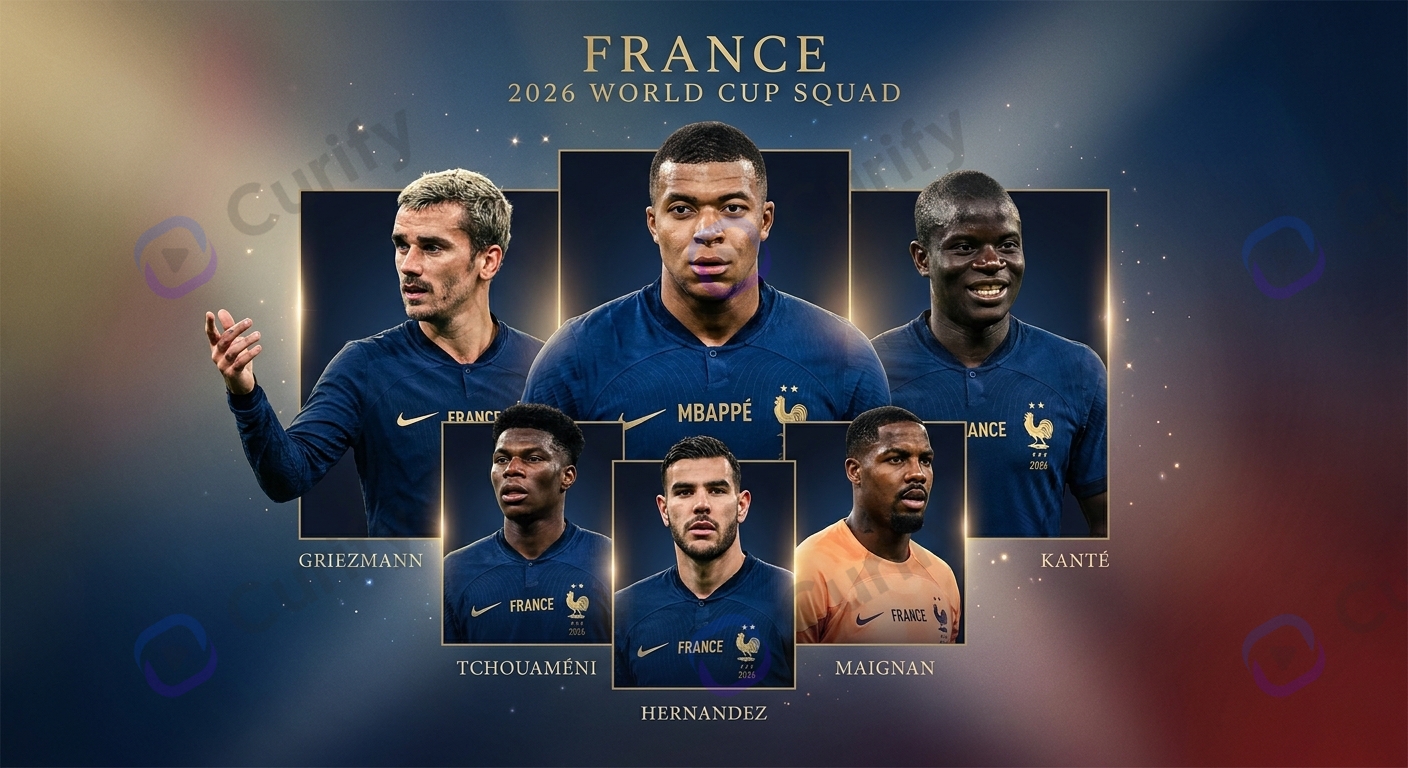
2026 World Cup Favorites: France, Spain, Argentina, Brazil, England

Portugal 2026 World Cup Poster Prompts: Ronaldo + Seleção AI Cinematics
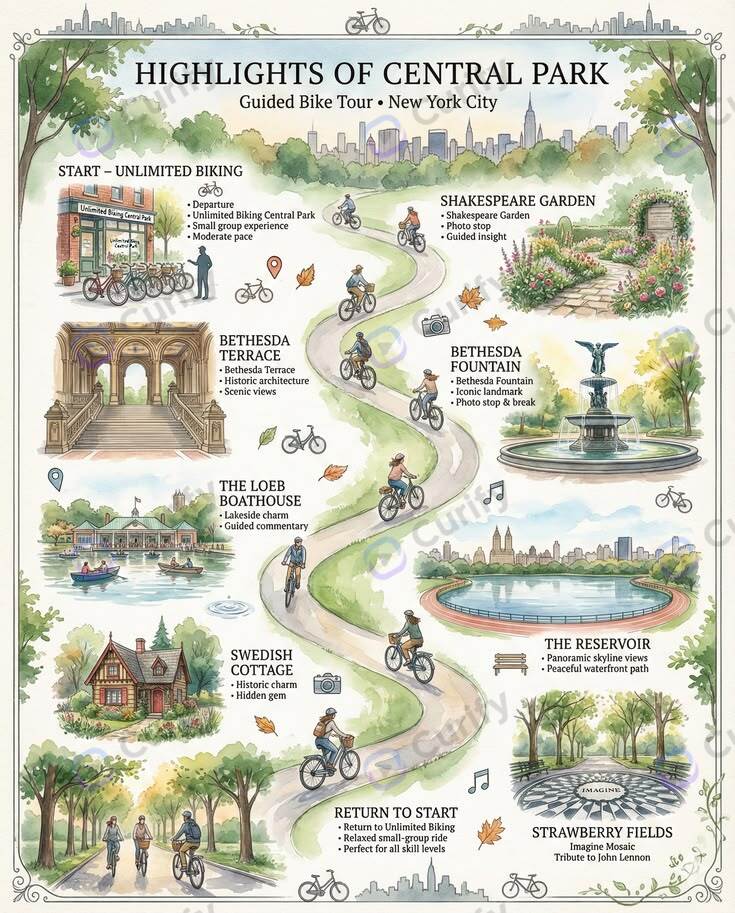
AI Travel Itinerary Templates: Day-by-Day Planners, Packing Lists & Route Maps
Add Subtitles

Drag & Drop or Click to Upload
.mp4/.mov/.webm/.avi/.wmv
Supported Languages
Add Subtitles
Require Translation
Auto Detect
Subtitles
Credits Required:0(Available: 0)